
By Web Desk | February 16, 2026
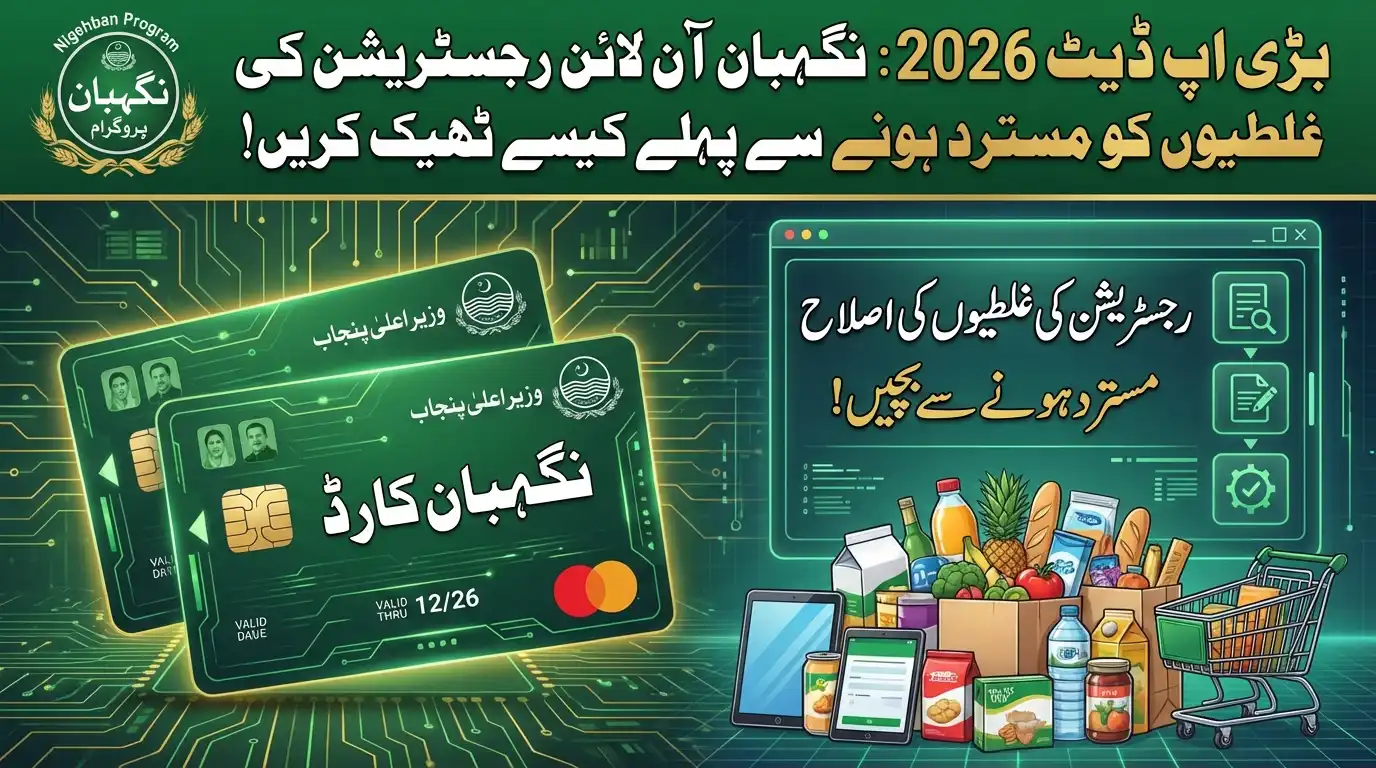
If you are worried about your application status, a major update has just been released on how to Fix Nigehban Online Registration Mistakes before the final list is approved. Thousands of deserving families face rejection every year simply because of minor typing errors or incorrect income data. To ensure this doesn’t happen to you, the Punjab Government has enabled a correction window on the PSER portal, allowing applicants to modify their details and secure their Rs. 10,000 cash and free ration.
According to the latest guidelines in our CM Updates, accurate data entry is critical. The automated system cross-checks your information with NADRA and other databases. If your reported income or family size doesn’t match, your relief will be blocked.
This guide provides a complete walkthrough on how to identify these errors and the official method to correct them online.
Common Mistakes That Lead to Rejection
Before you attempt to Fix Nigehban Online Registration Mistakes, you must understand what triggers a rejection. The system is designed to flag specific discrepancies:
- Income Mismatch: Declaring a low income while official records show a high salary or business ownership.
- Missing Family Members: Failing to register your wife or children reduces your household size, affecting your poverty score (PMT).
- CNIC Typos: Entering a 12-digit number instead of the full 13-digit CNIC.
- Spelling Errors: Name spelling that does not match the CNIC card exactly.
Step-by-Step: How to Edit Your Application
The Punjab Socio-Economic Registry (PSER) has made the editing process user-friendly. Follow these steps to update your record:
- Access the Portal: Go to the official PSER Punjab Portal.
- Login: Enter your registered mobile number and password to access your dashboard.
- Select “Edit Profile”: Locate your submitted application. If the status is “Pending,” you will see an “Edit” or “Update” button.
- Correct the Data: Change the incorrect fields (e.g., update income to reflect current status, fix CNIC numbers).
- Save and Submit: You must click the final “Submit” button for the changes to take effect.
If you are unsure about your BISP status, you can cross-check your details on the federal 8171 Web Portal or visit our PM Updates section.
Can I Fix Mistakes Offline?
Yes. If you are unable to use the online portal or if the “Edit” button is locked, you must visit a physical center.
1. Visit the Assistant Commissioner’s (AC) Office in your Tehsil.
2. Go to the “PSER Facilitation Desk.”
3. Submit a written request for data correction along with a copy of your CNIC.
4. The data entry operator will manually update your file in the system.
Frequently Asked Questions (FAQs)
Q: What is the deadline to fix registration mistakes?
The correction window usually remains open until the final verification drive begins, which is expected by the end of February 2026. It is best to make changes immediately.
Q: My application was rejected. Can I still edit it?
If your status shows “Rejected,” you cannot edit it online. You must file a formal appeal at the District Monitoring Officer’s office with proof of your eligibility.
Q: How do I change my registered mobile number?
You cannot change the mobile number yourself as it is your User ID. You must visit the PSER center to get your old number unlinked and register with a new one.
Q: Will I get a confirmation SMS after editing?
Yes, once your updated application is processed, you should receive a notification from 8070 confirming the update.

Conclusion
Taking action now to Fix Nigehban Online Registration Mistakes is the only way to guarantee your family’s relief. Do not let a small error deprive you of your rights. Check your application today, make the necessary corrections, and ensure a worry-free Ramzan.
For more verified guides and government alerts, keep visiting Trending News at Digital Club.