
By Web Desk | February 16, 2026
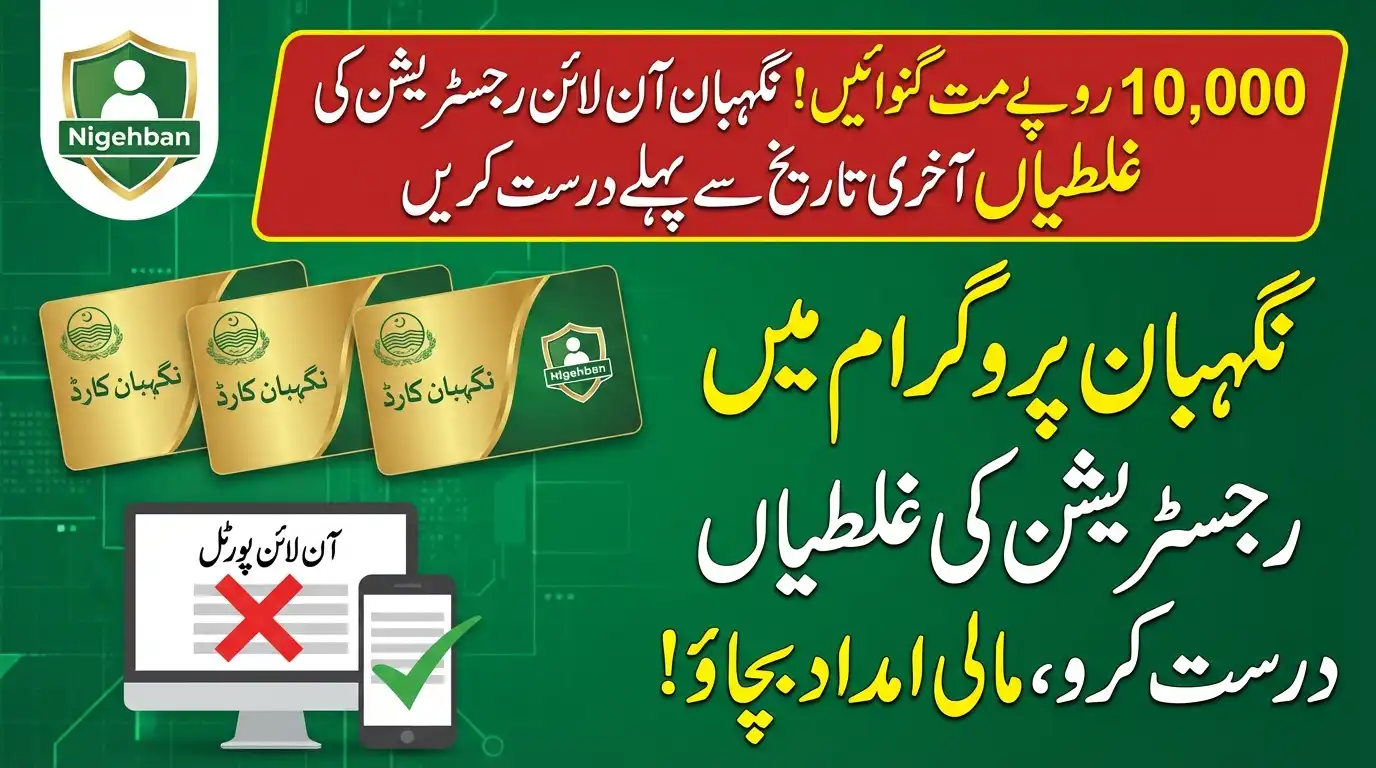
You must Fix Nigehban Online Registration Mistakes immediately if you want to save your application from permanent rejection. With the final verification deadline set for February 20, 2026, thousands of families are at risk of losing their Rs. 10,000 cash grant and free ration simply due to data entry errors. The Punjab Government has issued a final warning: applications with incorrect income or mismatched CNIC data will be automatically disqualified by the system.
According to the latest details in our CM Updates, the PSER portal is currently open for corrections. This is your last chance to modify your profile. Once the deadline passes, the beneficiary list will be locked, and no appeals will be entertained.
This guide explains the most common errors causing rejections and the exact steps to edit your application online to secure your Ramzan relief.
Top 3 Mistakes to Fix Immediately
To successfully Fix Nigehban Online Registration Mistakes, you must first identify what went wrong. The automated system checks your data against NADRA and FBR records. The most common rejection reasons are:
- The “60,000” Income Trap: Many applicants accidentally enter their annual income instead of monthly income, or declare a figure above Rs. 60,000. This instantly disqualifies you.
- Asset Conflict: If you declared “No Vehicle” but have a motorcycle registered in your name with Excise, your application will be flagged.
- Household Count: Failing to list all children or family members results in a higher “Per Capita Income,” reducing your chances of selection.
How to Edit Your Application on PSER Portal
The Punjab Socio-Economic Registry (PSER) allows you to update your profile. Follow this method:
- Login: Visit pser.punjab.gov.pk and log in with your credentials.
- Check Status: If your application is marked “Incomplete” or “Pending,” click on the “Edit Profile” button.
- Update Income: Ensure your “Monthly Income” field reflects your actual financial status (must be verifiable).
- Add Members: Click “Add Family Member” to include any missing persons (verified by B-Form).
- Re-Submit: You MUST click the “Update” or “Submit” button at the end to save changes.
For news on federal cash programs, you can also check our PM Updates section.
What If “Edit” Option is Locked?
If you cannot edit your form online, it means your application is already under final review or locked. In this case, you must visit a physical center immediately:
- Go to your local Assistant Commissioner (AC) Office.
- Visit the “PSER Grievance Desk.”
- Submit a written application along with your CNIC and Income Proof.
- Request the officer to “Unlock and Update” your record manually.
Frequently Asked Questions (FAQs)
Q: Can I fix my name spelling online?
Minor spelling changes can be made online. However, if the name is completely different from the CNIC record, you must visit the NADRA office first, then the PSER center.
Q: Will I get the Rs. 10,000 if I fix the mistake today?
Yes. If you correct your data before February 20, 2026, and meet the eligibility criteria, your name will be included in the final list for the Nigehban ATM Card.
Q: How do I know if my correction was successful?
After re-submitting, wait 24-48 hours. Then, send your CNIC to 8070. If the reply changes from “Data Mismatch” to “In Process” or “Eligible,” your fix worked.
Q: Is there a fee for editing the form?
No. Correcting your application on the PSER portal or at government offices is 100% Free. Do not pay agents.
Conclusion
Do not let a simple typing error cost you Rs. 10,000. Take action now to Fix Nigehban Online Registration Mistakes before the portal closes. A few minutes of checking today can ensure your family enjoys a blessed and worry-free Ramzan.
For real-time updates on the deadline extension, keep visiting Trending News at Digital Club.