
By Web Desk | February 16, 2026
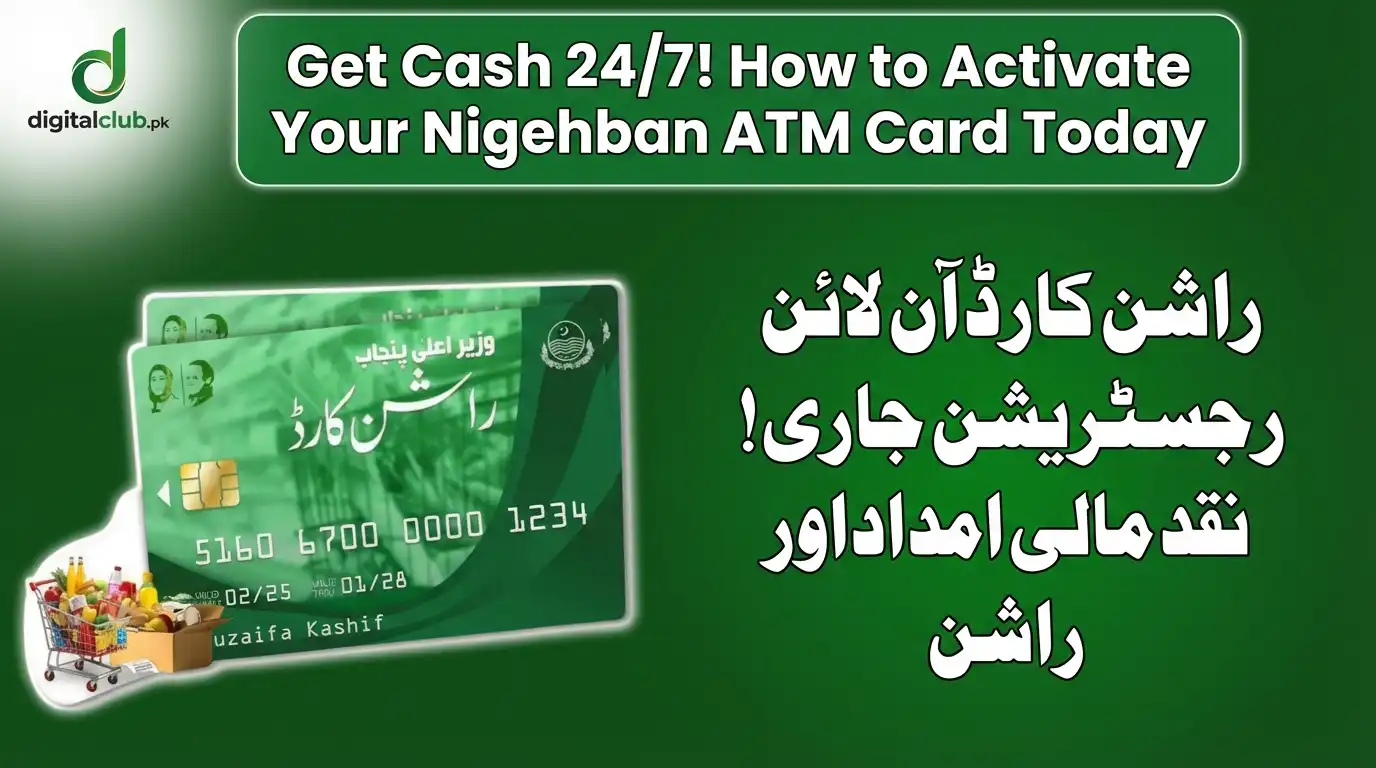
If you have successfully received your relief package envelope from the district administration, the next critical step is to activate Your Nigehban ATM Card immediately. Without activation, the Rs. 10,000 cash grant sitting in your account cannot be withdrawn. This year, the Punjab Government has partnered with the Bank of Punjab (BOP) to ensure you can access your funds 24/7 without waiting in long bank queues.
According to the latest details in our CM Updates, over 4.2 million cards are being distributed. However, many beneficiaries are confused about the “Green PIN” process. Do not worry; this guide explains the simple activation method so you can get your cash today.
Method 1: Instant Biometric Activation (Best Option)
The easiest way to activate Your Nigehban ATM Card is at the time of delivery. The PSER district representatives visiting your home are equipped with biometric devices.
- When the representative hands you the card, place your thumb on the biometric machine.
- Once your fingerprint matches the NADRA record, the card is activated instantly.
- You will receive a “Welcome SMS” from the Bank of Punjab confirming that your card is ready for use.
Method 2: Activation via BOP Helpline (For Manual Delivery)
If you collected your card from a facilitation center and did not do biometric verification, you must activate it by phone.

- Call the official Bank of Punjab helpline: 021-111-267-200.
- Select the language (Urdu).
- Choose the option for “Nigehban Card Activation.”
- The agent will ask for your 13-digit CNIC number and the 16-digit card number printed on the front.
- After verifying your mother’s name and date of birth, your card will be activated.
For more news on government digital services, check our Trending News section.
How to Set Your “Green PIN” at the ATM
Once the card is active, you need a PIN code to withdraw money. Follow these steps carefully at any BOP ATM:
- Insert your Green Nigehban Card into the machine.
- The screen will ask for a “One-Time Password” (OTP). This OTP is sent to your registered mobile number.
- Enter the 6-digit OTP from your SMS.
- The screen will now say “Please Enter Your New PIN.”
- Type any 4 secret numbers (e.g., 2580) that you can remember easily.
- Re-enter the same code to confirm.
Congratulations! Your PIN is set. You can now select “Cash Withdrawal” and take out your Rs. 10,000.
Troubleshooting: Common Activation Issues
Sometimes, technical errors occur. Here is how to fix them:
- OTP Not Received: If you don’t get the SMS code, ensure your phone sim is active and has a signal. You can request a “Resend OTP” via the helpline.
- Card Capture: If the ATM swallows your card, do not panic. Visit the bank branch immediately with your CNIC to claim it back.
- Biometric Fail: If your thumbprint isn’t working, visit the nearest NADRA office to update your fingerprints, then try again at the bank.
If you are looking for federal support options, you can also read about the latest PM Updates regarding BISP payments.
Conclusion
The government has made the process to activate Your Nigehban ATM Card as simple as possible to ensure dignity for every citizen. Whether you use the biometric method or the helpline, the goal is the same: providing you with quick financial relief. Do not wait—activate your card today and secure your Ramzan supplies.
For verified updates on future installments, keep visiting Digital Club.